Compose
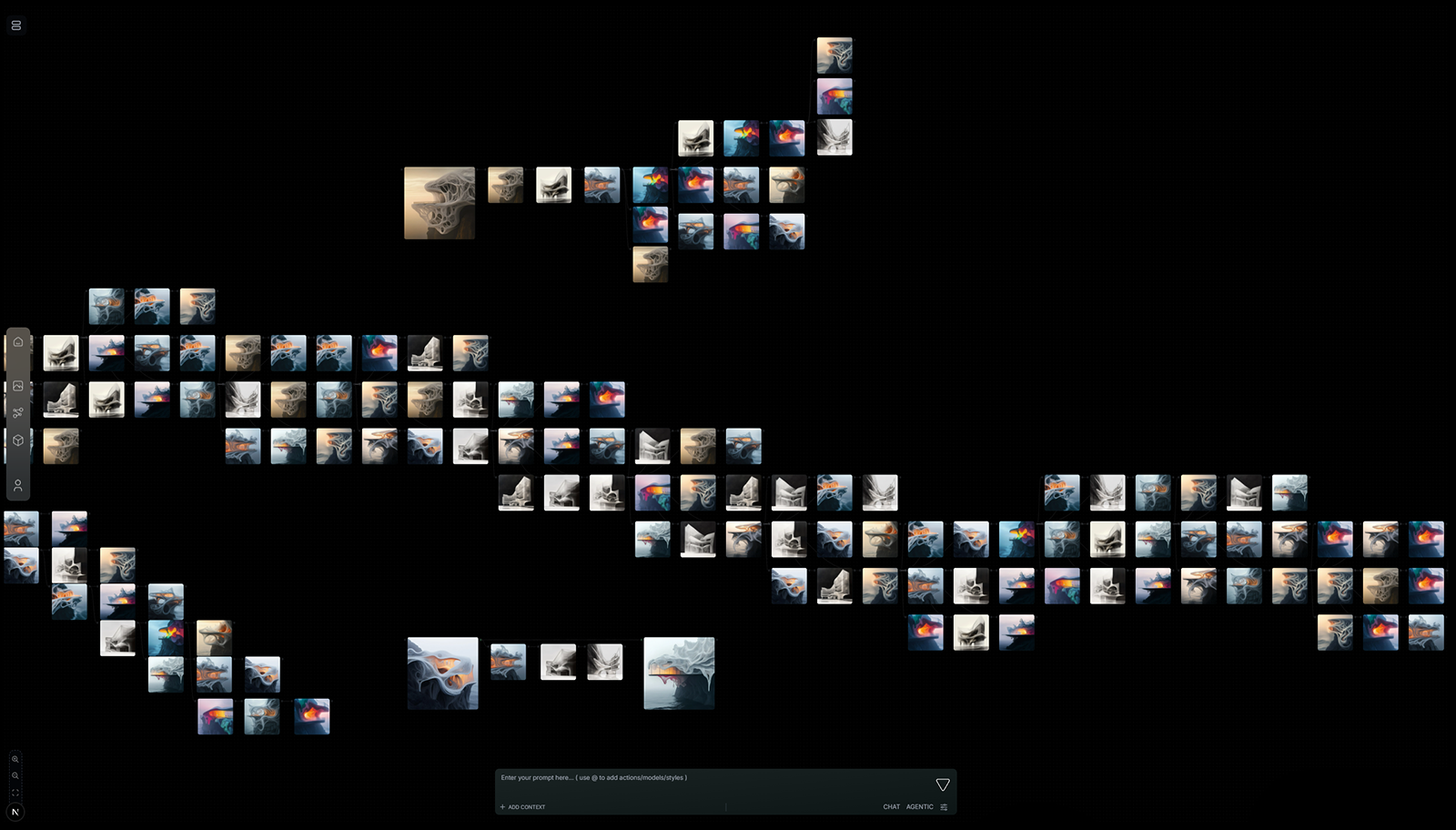
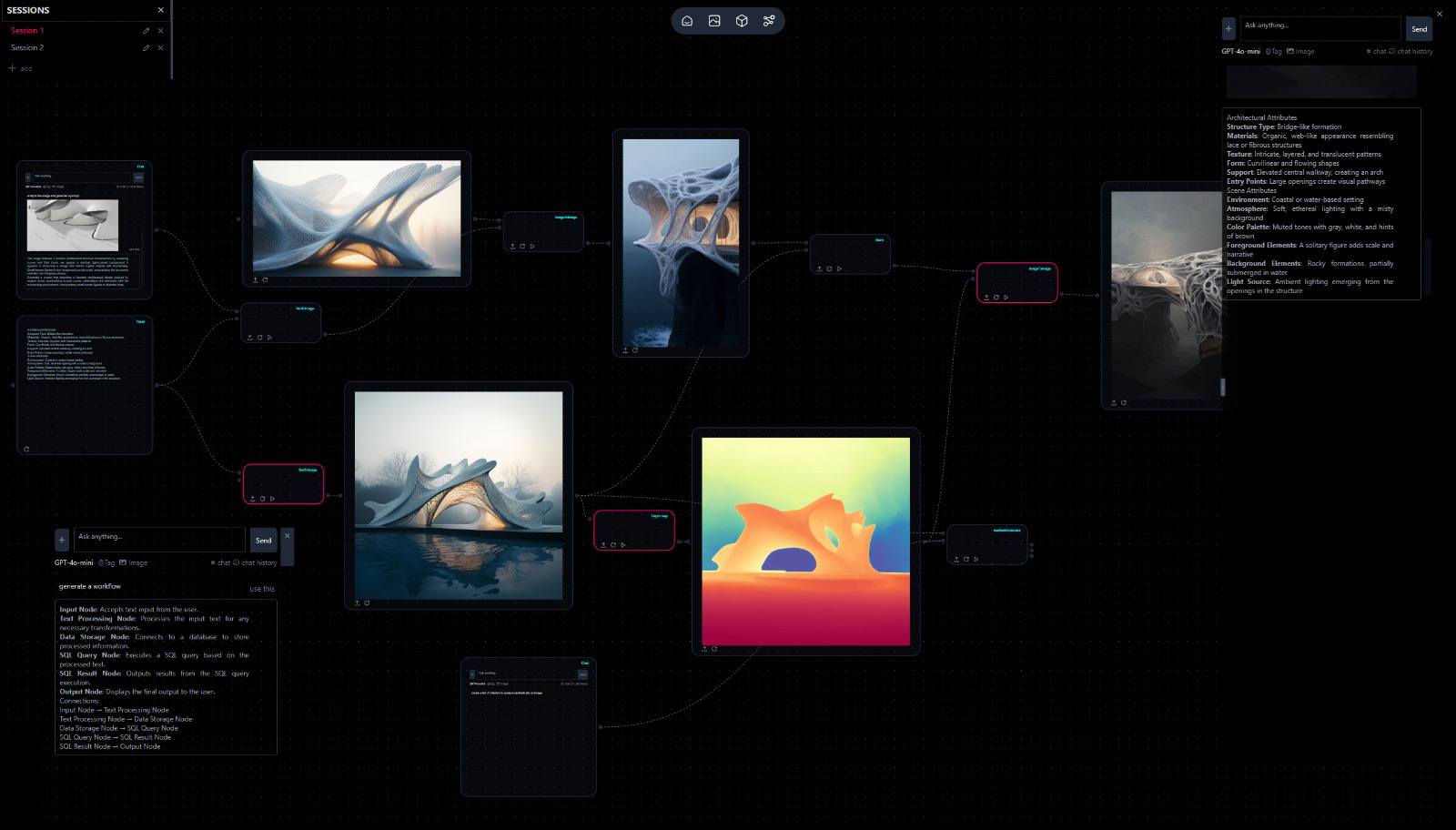
Place blocks on a canvas - Starter, Knowledge, Agent, Generator, Evaluator, Panel, Memory - and wire how data moves.
Workflows
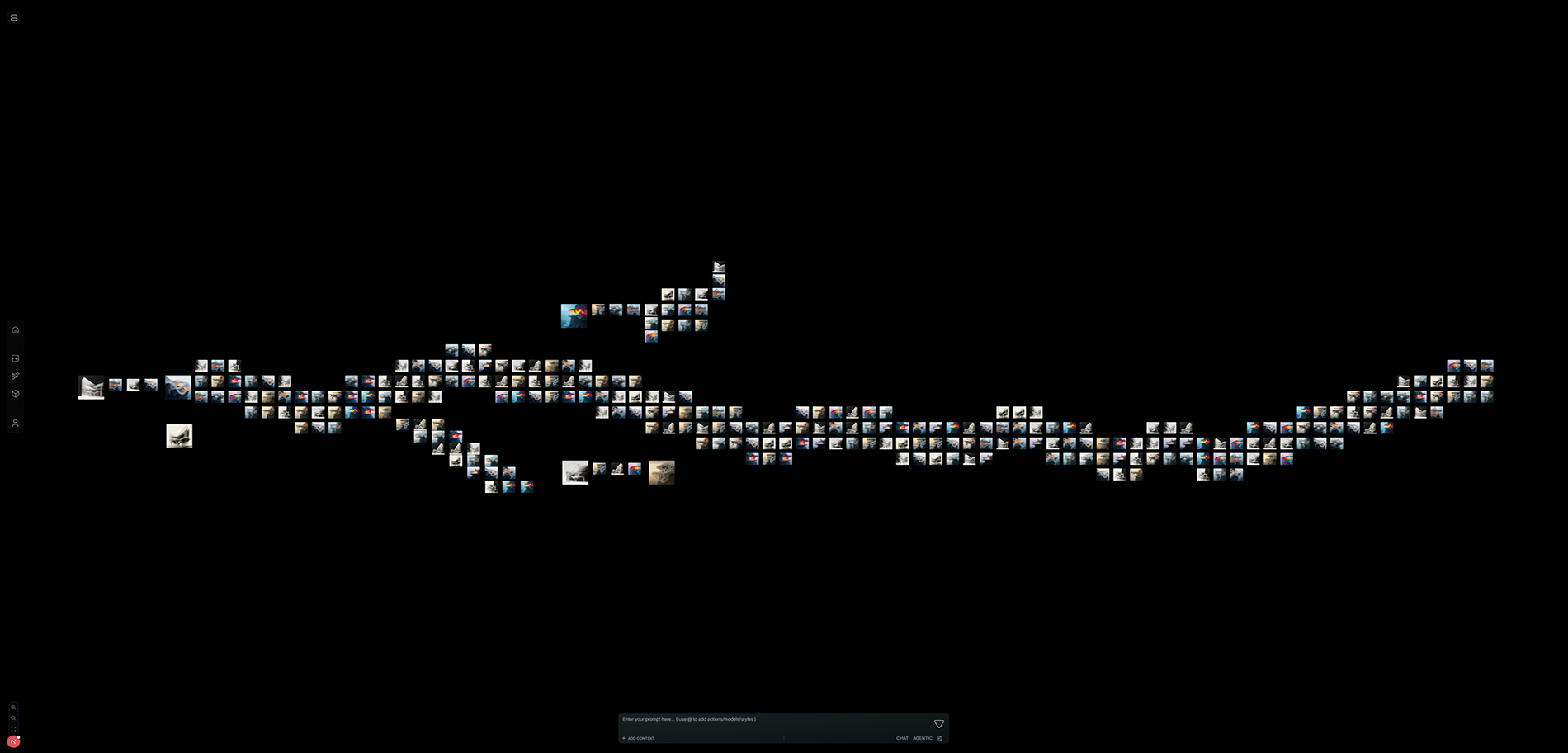
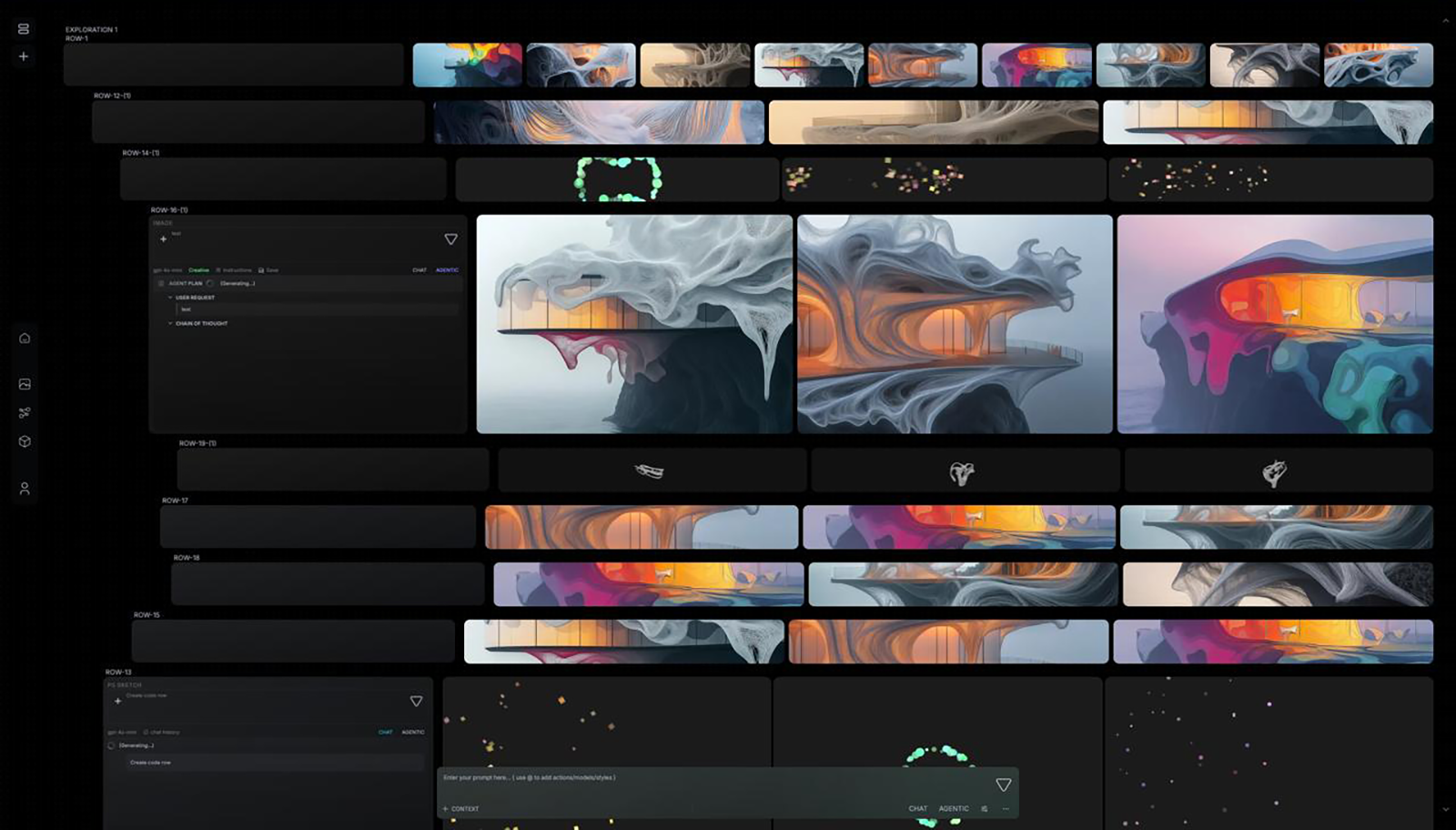
Executable design on a canvas - blocks, wires, runs, and deploy. A workflow is not just something you run once; it becomes something you call across projects.
Example workflows
Competition
Competition exploration
From your run logs
Place blocks on a canvas - Starter, Knowledge, Agent, Generator, Evaluator, Panel, Memory - and wire how data moves.
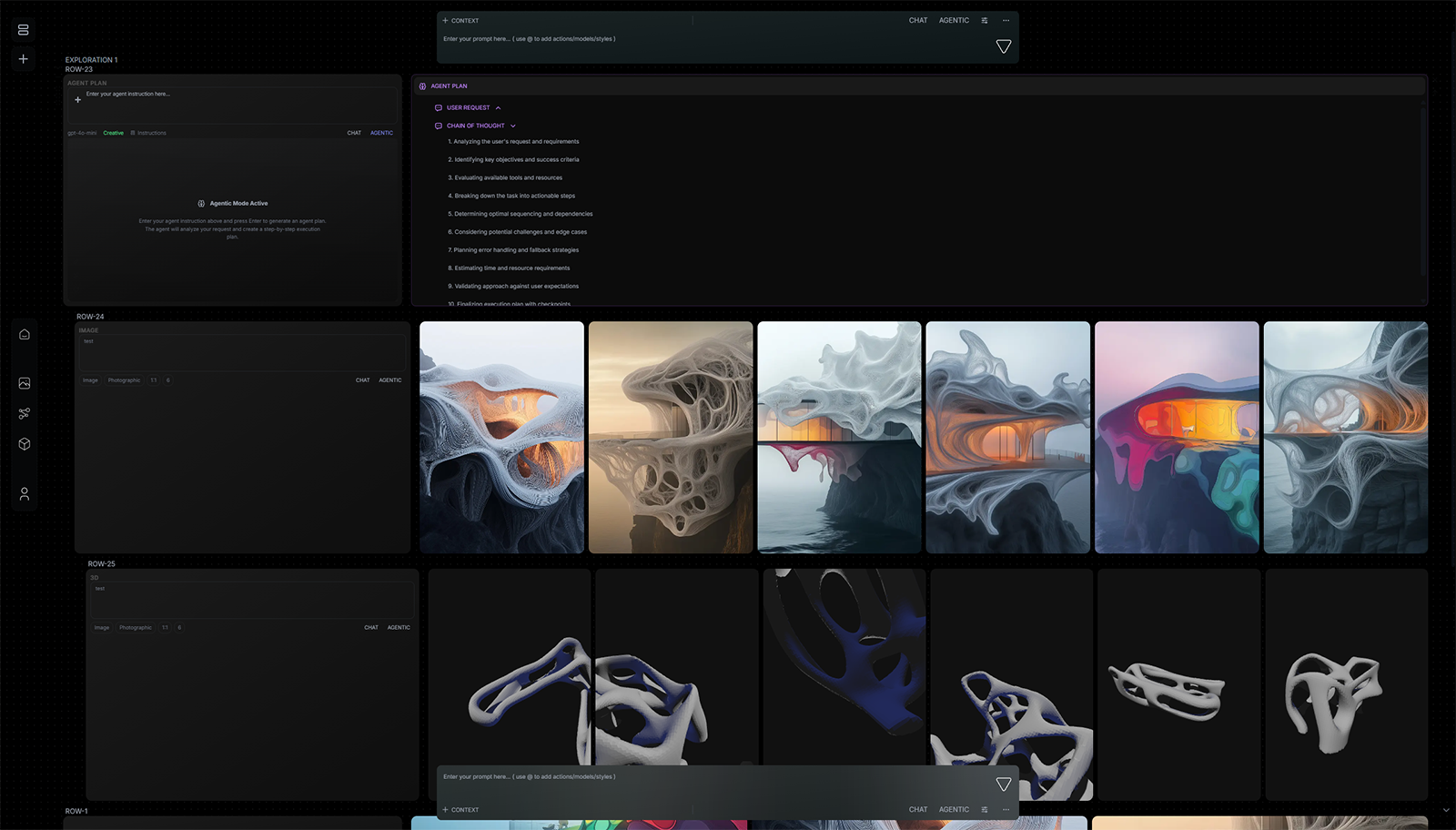
Execute the graph. Watch blocks light up, read outputs, and refine the path until the deliverable is right.
Publish the workflow so teammates and studios can call it - not rebuild it from a chat transcript.
The same pipeline serves the next competition, the next QC pass, the next promise-to-proof review.
Design thinking is a process - brief, research, options, critique, delivery. Chat collapses that into one box. Scripts scatter it across folders. Neither becomes something the next project can call.
Today we are introducing VERSUR Workflows - executable design on a canvas. Blocks, wires, runs, and deploy. A workflow is not just something you run once. It becomes something you call across projects.
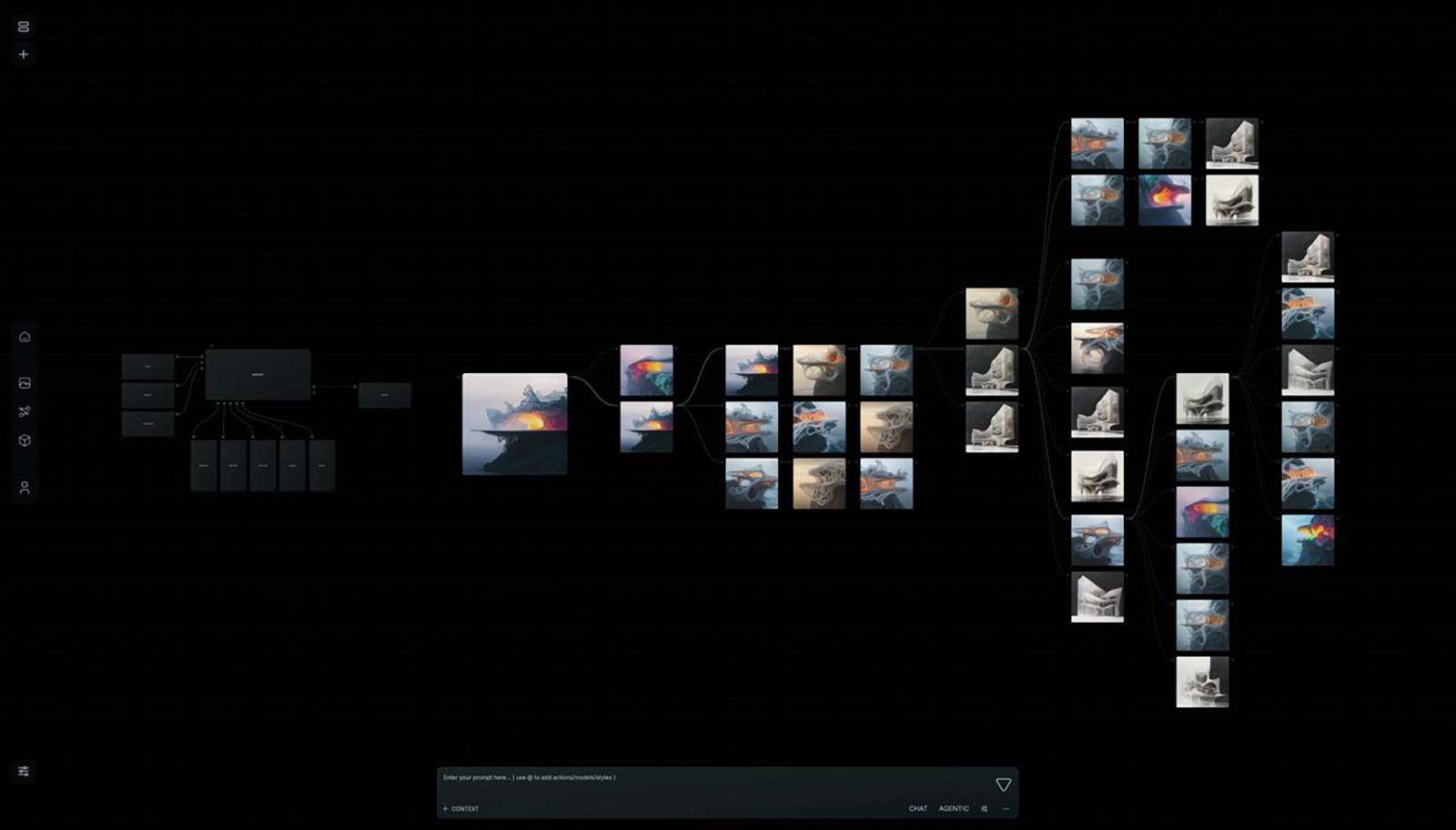
A workflow is a directed graph. Each block is a step with inputs, outputs, and a job. You compose the path once - then run it whenever the brief, the site, or the drawing set changes.
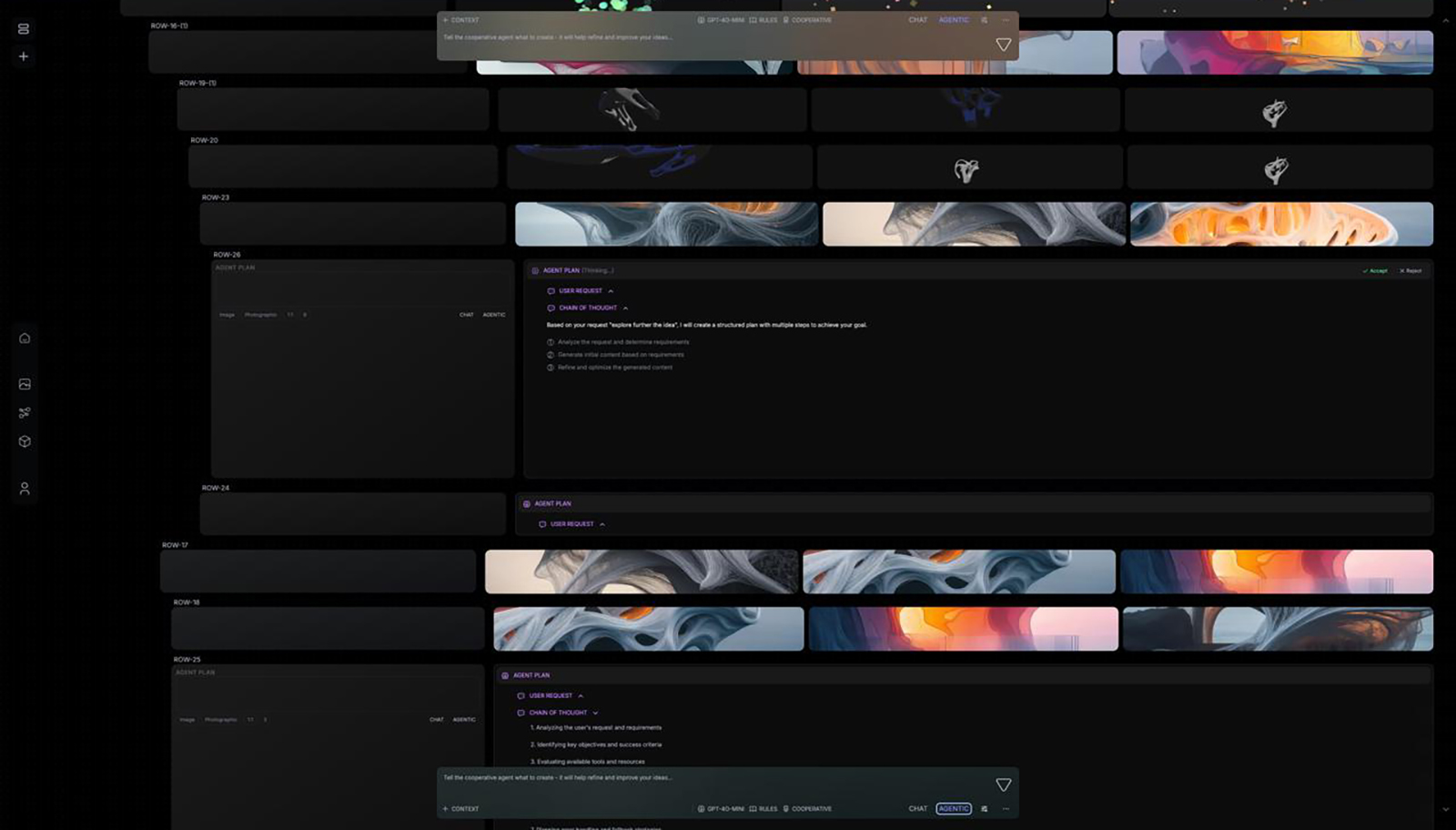
Hit run and the canvas shows the path. Active blocks light up. Outputs land where you wired them. Failures show on the block that failed - so you fix the graph, not a buried log.
That visibility is the point. A workflow you cannot inspect is just another black box. VERSUR Workflows keep every step on the same surface you edit.
When the path is solid, deploy it. The workflow becomes a callable unit - for a teammate on the canvas, for a studio domain, for a host panel in Rhino or Adobe. You are not pasting prompts into the next project. You are invoking a process the practice already trusts.
Same product surface for each. Different blocks, different loops, same idea: the process is the asset.
VERSUR Workflows are the canvas you already open in the workspace. Build by hand or with VERSUR Agent. Run, refine, deploy - and call the same graph on the next job.
Studios put those workflows in front of the right team. Collaborate lets the team edit them together. The workflow is the unit both depend on.
Studios · Collaborate · VERSUR Agent · Design Agents · Brain