Build
Describe the outcome. VERSUR Agent places real blocks and defines connections, inputs, outputs, skills, tools, and loops.
Agents
VERSUR Agent builds, asks about, edits, optimizes, and debugs workflows - with real blocks, connections, inputs, outputs, skills, tools, and loops on a runnable canvas.
Setup steps
Describe the outcome. VERSUR Agent places real blocks and defines connections, inputs, outputs, skills, tools, and loops.
What does this workflow do? How should this wire? It reads the graph, the palette, and the docs - and answers in context.
Add a branch, retarget an input, cut duplicate model calls, lean out fat references - changes land as a canvas diff.
Offer a test run, read block failures from the console, and fix the workflow in place until the path works.
Building a workflow by hand means knowing the palette, the wires, and the field names before you know whether the idea works. Most of the time you know the outcome - not the graph.
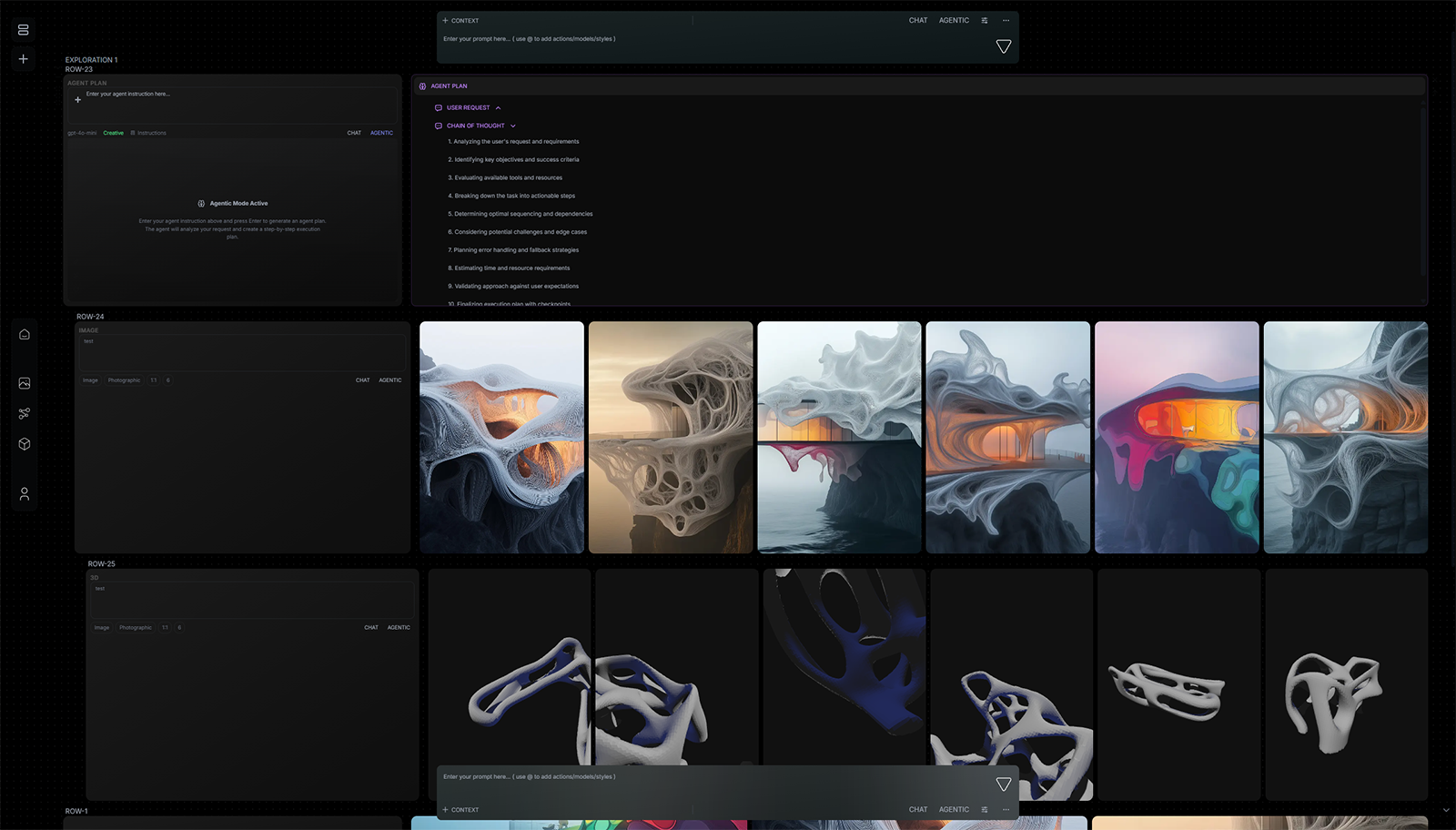
Today we are introducing VERSUR Agent - the first-class workflow assistant for VERSUR. Build, ask, edit, and optimize - and debug from real runs. Describe what you need in plain language. It plans the graph, places real blocks, and defines how they connect and run - then leaves a canvas diff you can Preview, Accept, or Reject.
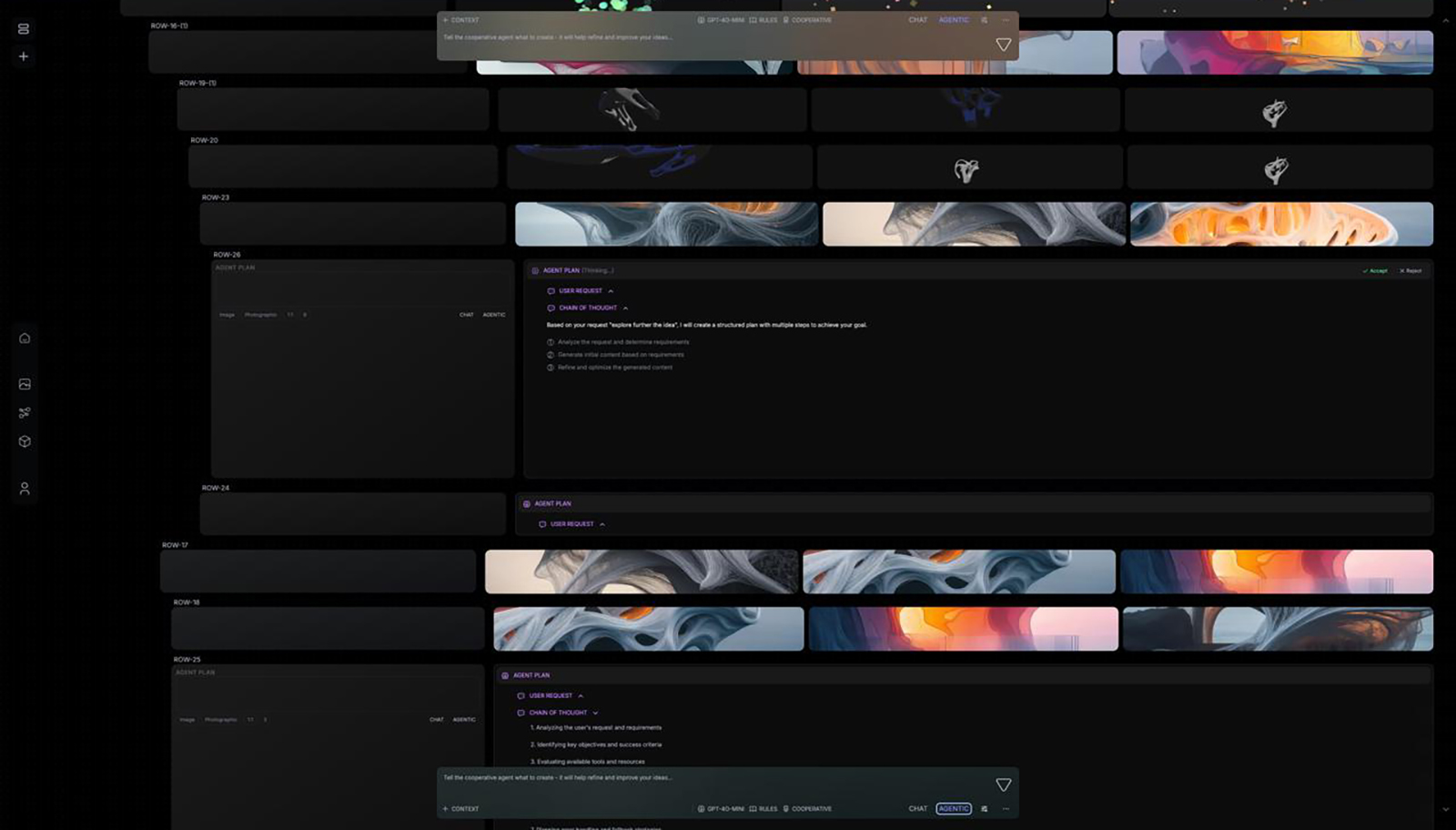
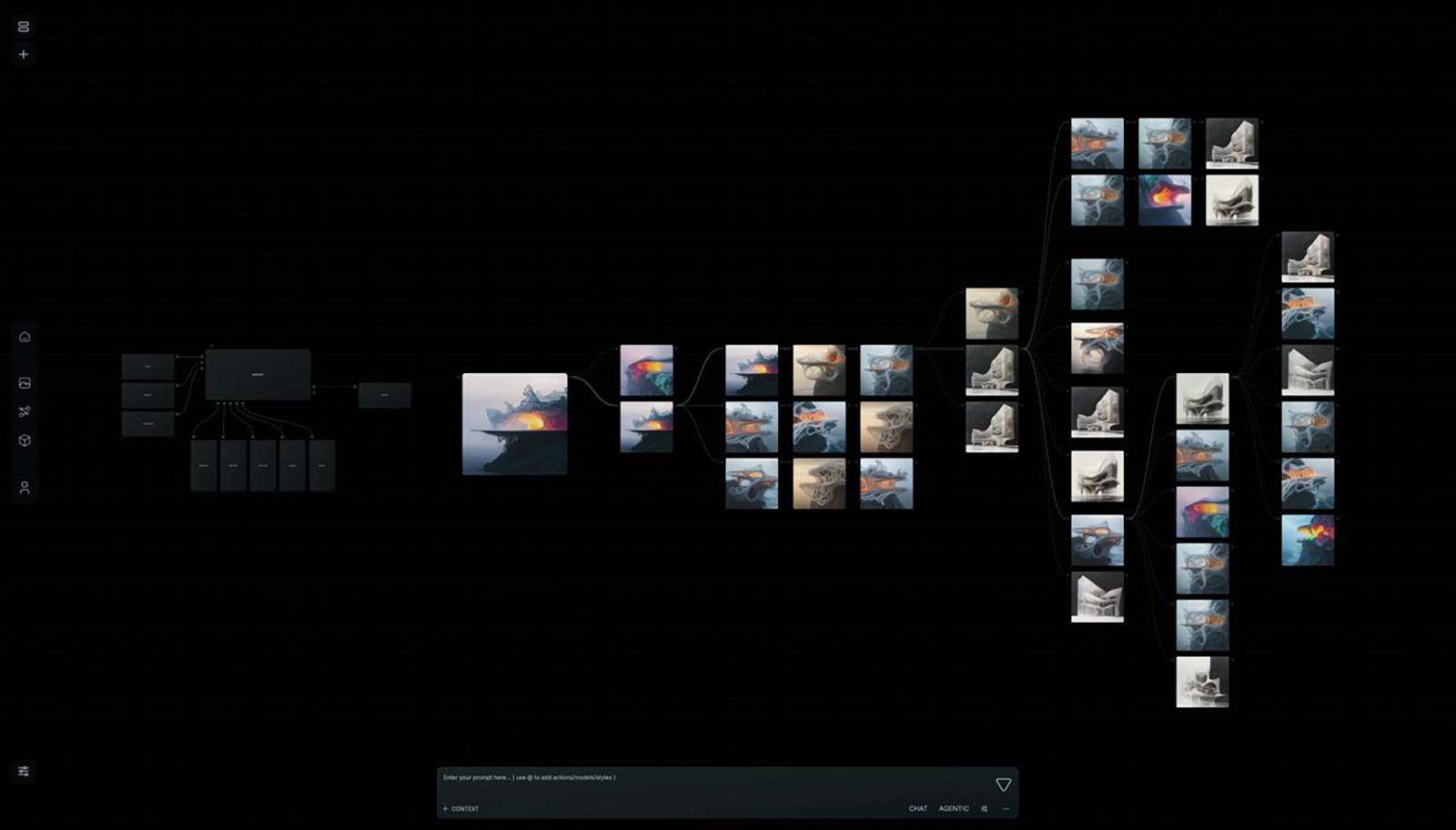
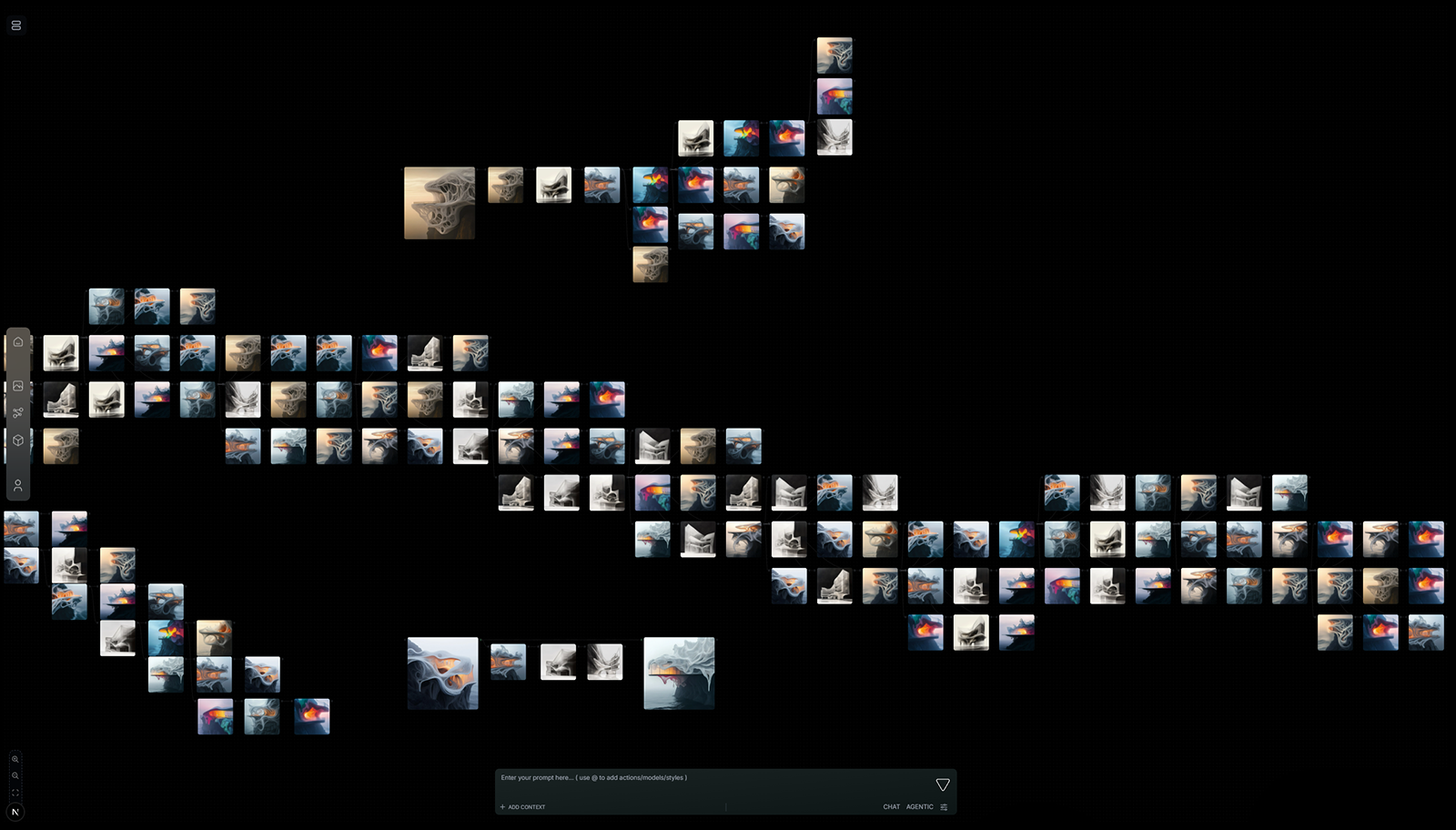
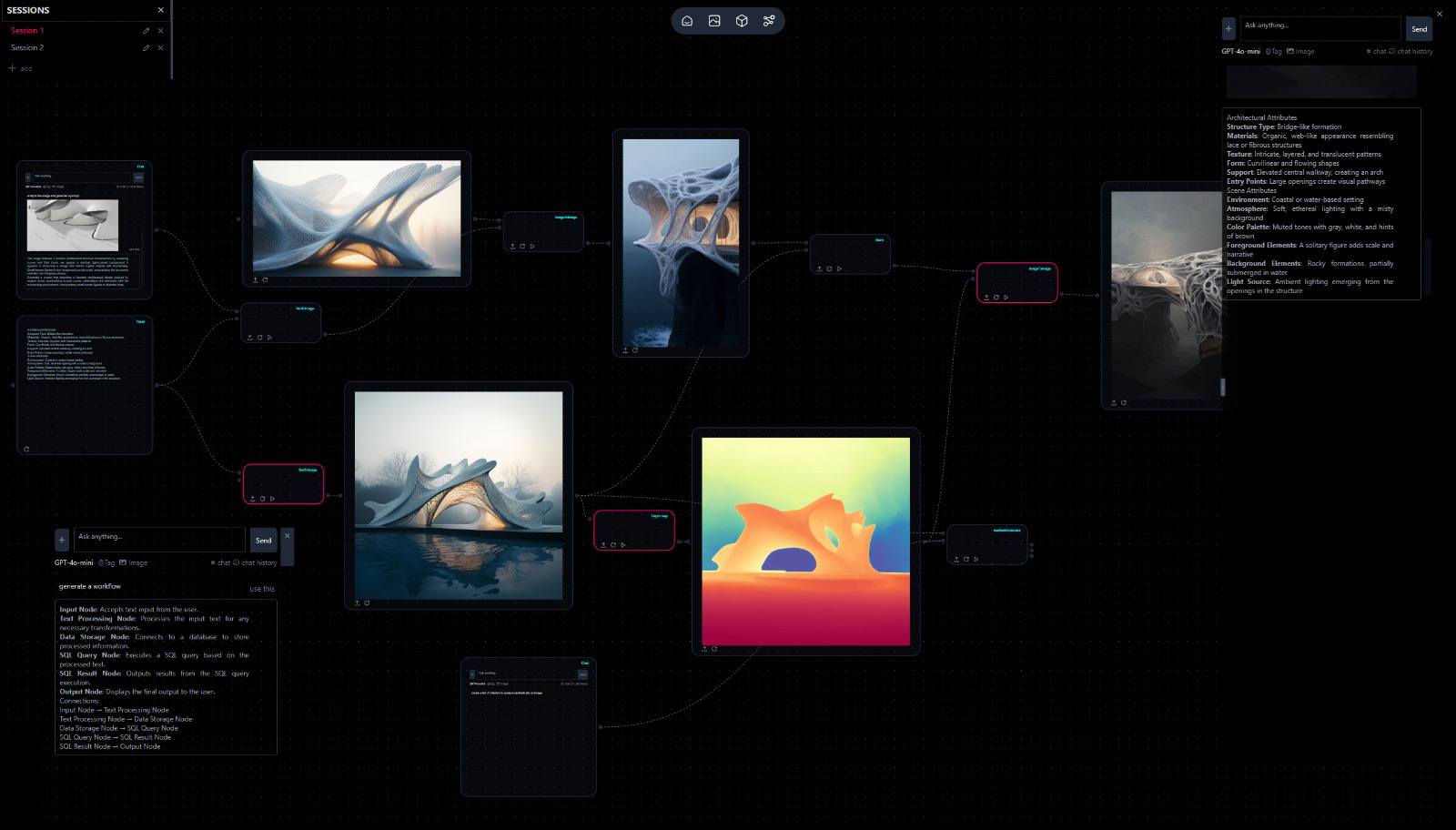
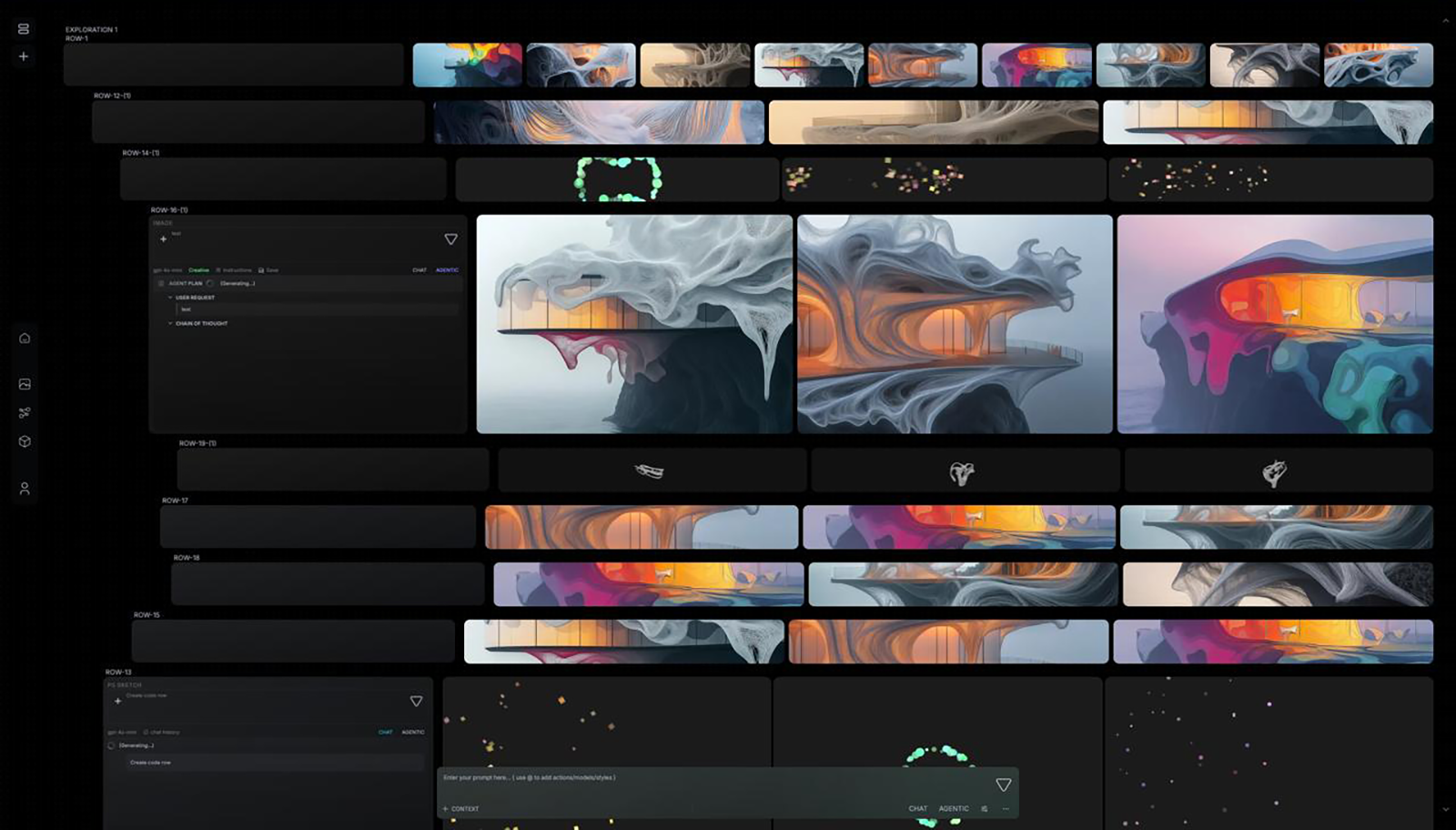
You ask for an outcome - a brief-to-render pipeline, a site analysis graph, a review loop with parallel options. VERSUR Agent plans the steps, then builds against your real block catalog. Blocks can appear on the canvas one by one while it works, so you are not staring at an empty graph until the end.
VERSUR Agent is also how you understand the graph. Ask what the workflow does, how data flows between blocks, which output path to wire, or how a block should be configured. It reads your canvas, the block catalog, best practices, and in-app docs - and can pull workflow examples when you want a pattern to start from.
Ask it to add a branch, swap a model, insert a design agent, retarget an input, or fix a broken wire. It edits the same workflow in place - connections, fields, skills, tools, and loops included. Changes stay provisional until you Accept or Reject.
Optimize is part of the same job. Ask why a run is expensive or how to improve performance - it can surface duplicate model calls, fat references, and leaner wiring, then apply the edits when you want them.
After a build or edit, VERSUR Agent can offer a test run. If a block fails, it reads the failure from the run console, edits the graph, and can offer another run - without starting over from a blank canvas.
VERSUR Agent builds and maintains the workflow - including how each step is configured. The Agent block and design agents it places are the reasoning steps on that graph: skills, manuals, tools, loops, Brain, Bridge-backed local models. One is the workshop for the graph. The others are what runs inside it.
Use VERSUR Agent when you need the pipeline. Use Agent blocks and design agents when you are shaping a single studio-grade reasoning step by hand.
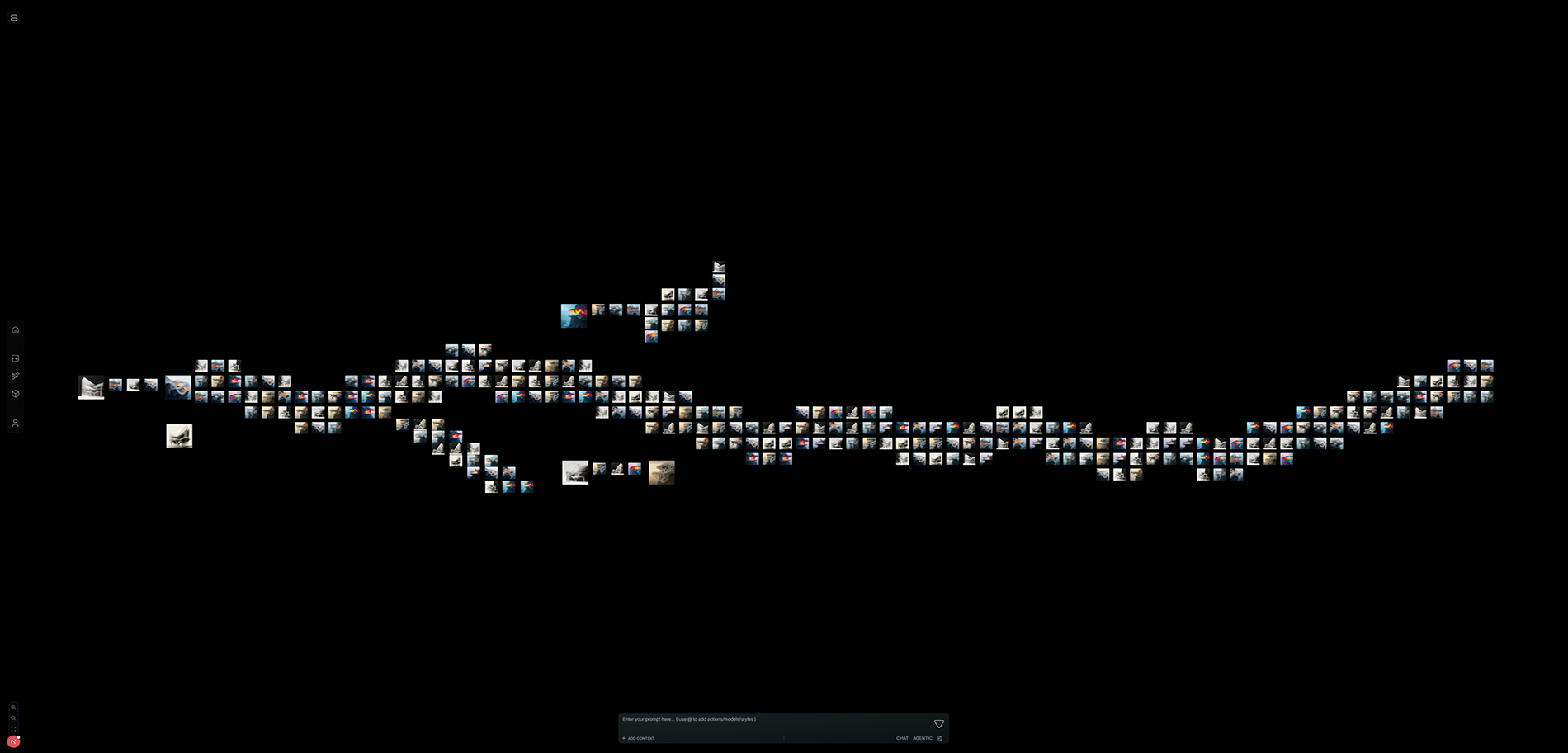
VERSUR Agent is available in the workspace today. Build, ask, edit, optimize, and debug - the canvas is the deliverable.
Brain is where the practice remembers. Design agents are how the practice designs. Bridge is how inference can stay on your machine. VERSUR Agent is how the workflow gets built and kept working.
Design Agents · Bridge · Brain · Changelog