Two kinds of agents
A blank Agent you shape yourself - or a built-in design agent already tuned for a studio job.
Agents
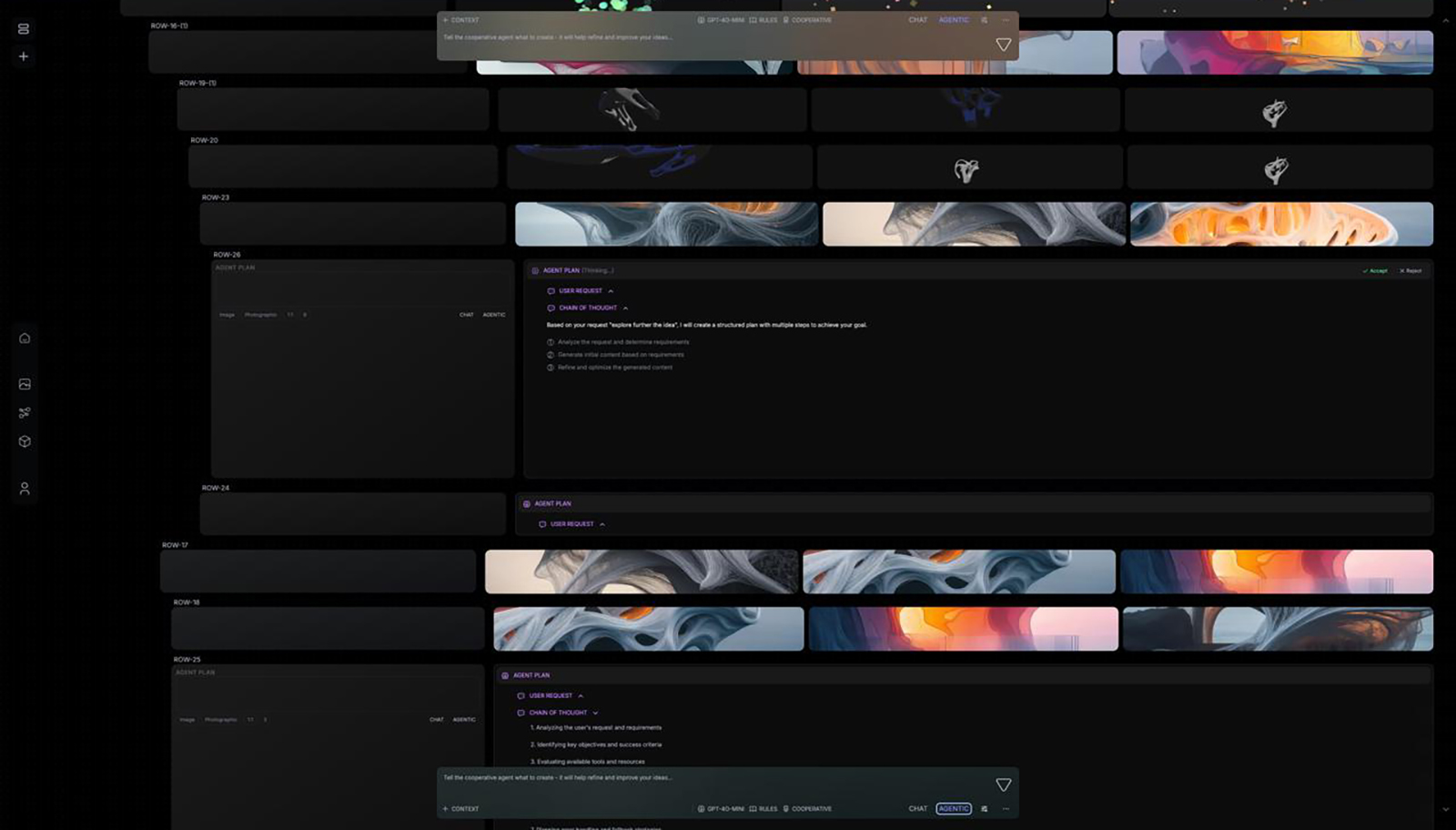
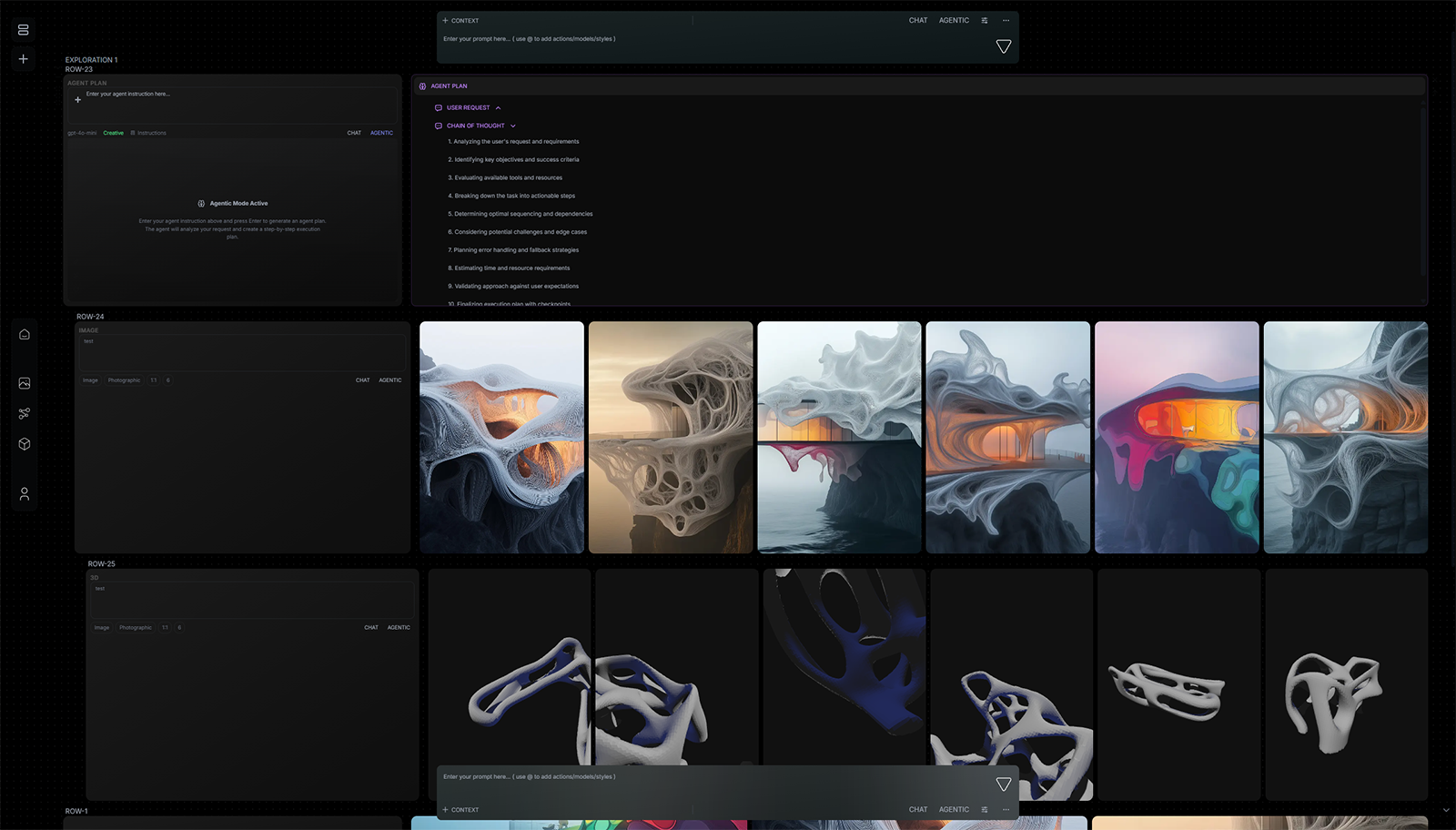
Design agents on the VERSUR canvas - a fully customizable Agent block with skills, manuals, tools, and loops, plus seven built-in design agents for brief, research, zoning, concepts, review, storyboard, and palette.
A blank Agent you shape yourself - or a built-in design agent already tuned for a studio job.
Pin skills, manuals, tools, and loops. Structured outputs the rest of the workflow can wire.
Brief Interpreter, Concept Directions, Storyboard, Option Review - drop in and run.
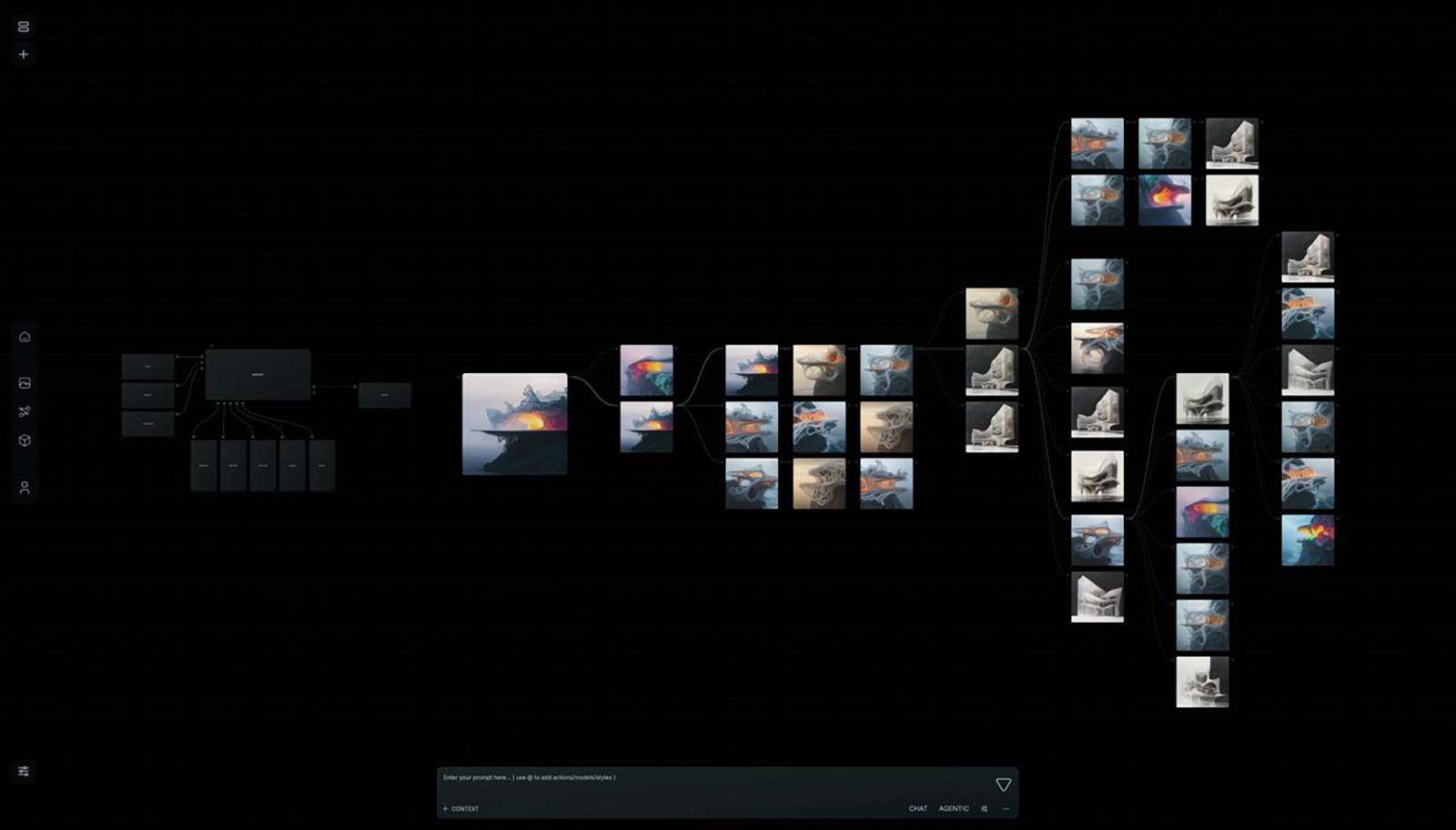
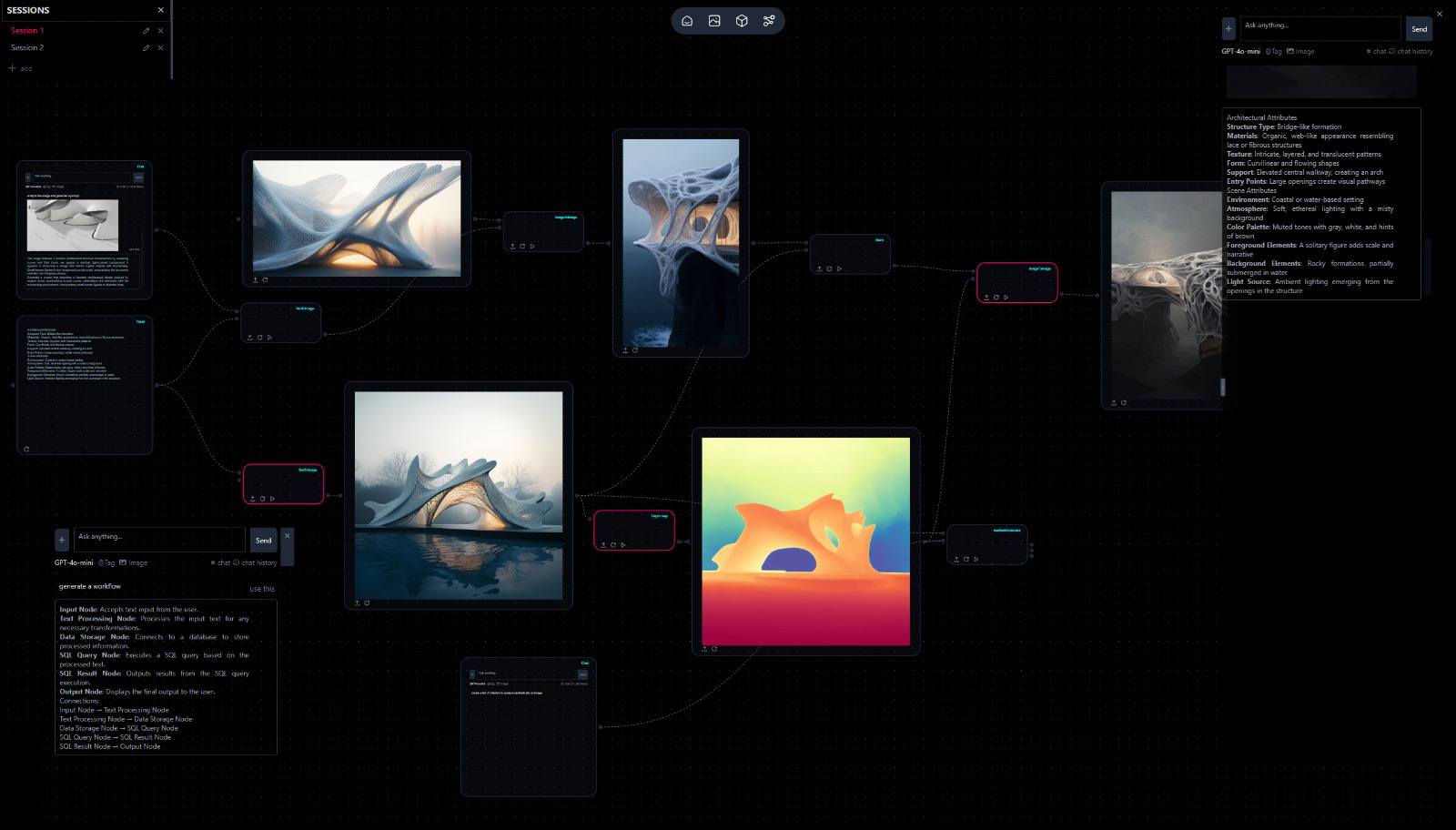
Wire Knowledge, Generator, and Panel around either kind. Deploy the pipeline so the team can run it.
Design work is a sequence of jobs - read the brief, research the site, pull code and zoning, propose directions, set palette, storyboard, review options. Generic chat collapses that into one box. Design agents keep the jobs distinct, reusable, and wireable on a workflow canvas.
Today we are introducing VERSUR Design Agents - agents built for architecture and design work on the VERSUR canvas. That means both a fully customizable Agent block and a set of built-in design agents already shaped for common studio jobs.
Drop a blank Agent when the method is yours - your critique checklist, your studio manual, your tool stack, your refinement loop. Drop a built-in design agent when the job is a known studio step: interpret a brief, research a site, pull code and zoning, generate concept directions, set palette and mood, draw a storyboard, review options.
The Agent block is a first-class agent, not a thin model call. You configure who it is, how it works, what it can touch, how it improves, and what it returns.
Skills teach method - the steps you would give a new hire. Pin them and they expand into instructions as [skill:id]. Add Skill Manager when the agent should search for more on demand.
Design manuals hold look and language - materials, palette, forms, do and do not. Pin them so Generator prompts and critique stay on-brief. Skill = method. Manual = look. Knowledge = facts. Mixing those three is how agents drift.
Tools turn the agent into an actor: Generator, Knowledge, File Manager, Versur Brain, Rhino or Adobe when the work lives there. In instructions, say how to plan briefly when needed, call tools, and stop when done.
Loops refine across passes on the same block - Creative refinement, Architecture satisfaction, Research then generate, Simple retry, or a loop you create with a rubric. An independent judge scores; the block returns the best-scored pass, not whichever ran last.
When the job is a known step in design work, use a built-in design agent. Each one arrives with a role, structured outputs, and the right defaults - so you spend time on the brief, not on reinventing the block.
Design agents are strongest as part of a pipeline. A few blocks show up around almost every design run:
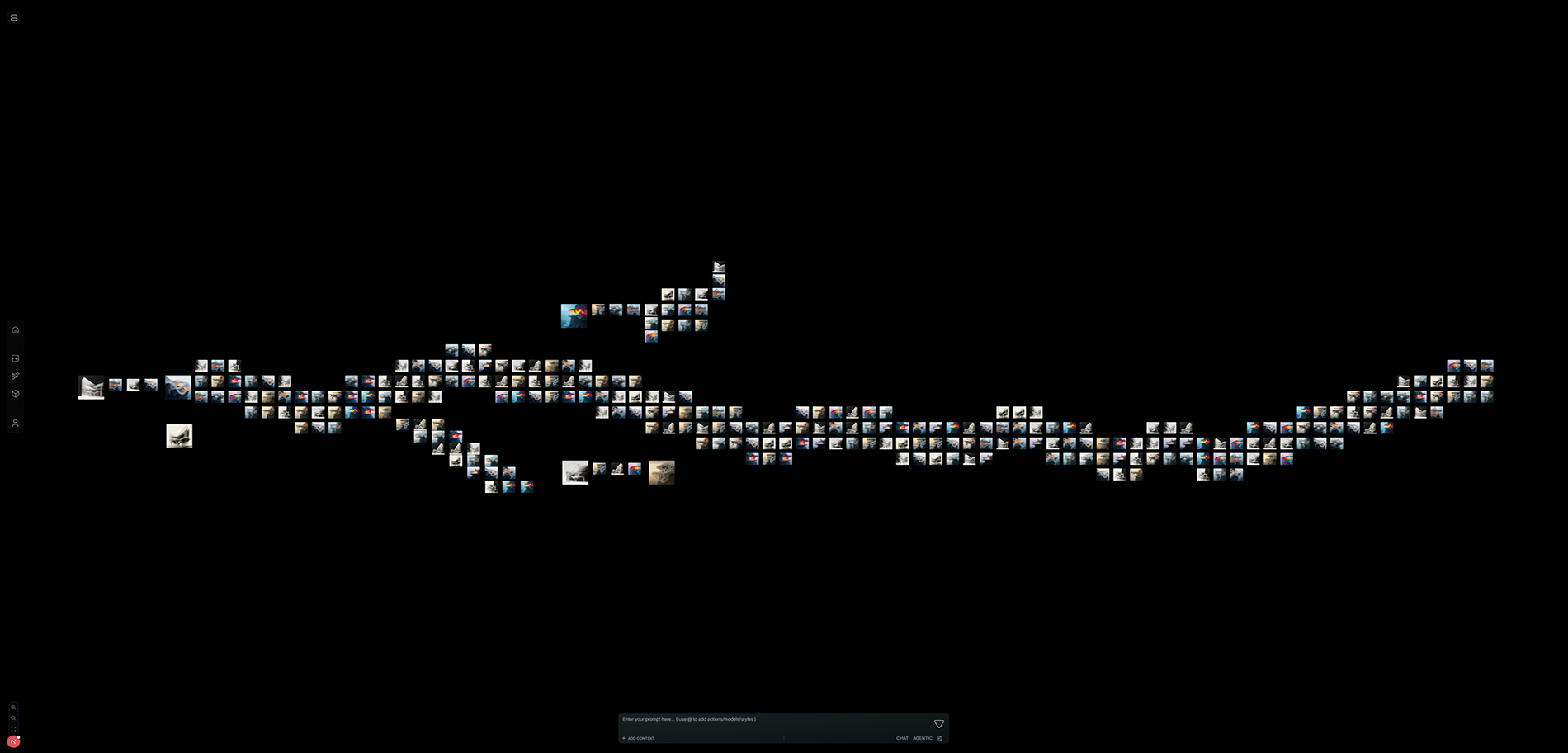
Design agents are in the workspace today. Open a workflow, drop a built-in for a known job, or drop Agent and pin the skills and manuals that define how your studio works. Wire Knowledge, Generator, and Panel. Run it. Save the graph for the next project.
Brain is where the practice remembers. Design agents are how the practice does design work - custom when you need control, built-in when the job is already clear.
Agent block · Manuals · Tools · VERSUR Agent · Introducing Brain · Changelog