Share
Open Share from the left bar. Invite with View or Edit - workflow or workspace.
Studio
Invite teammates, fork a template, and edit the same workflow canvas live - cursors, blocks, and branches in sync while each person works their slice.
Setup steps
This workflow only.
Open, run, and move blocks.
People with access
you@studio.com
Open Share from the left bar. Invite with View or Edit - workflow or workspace.
Start from a template with branches. Route by building type into the paths your team needs.
Cursors and blocks sync while each person works a slice - variables, rules, prompts, new nodes.
When the path is right, deploy it to a studio or keep refining on the shared canvas.
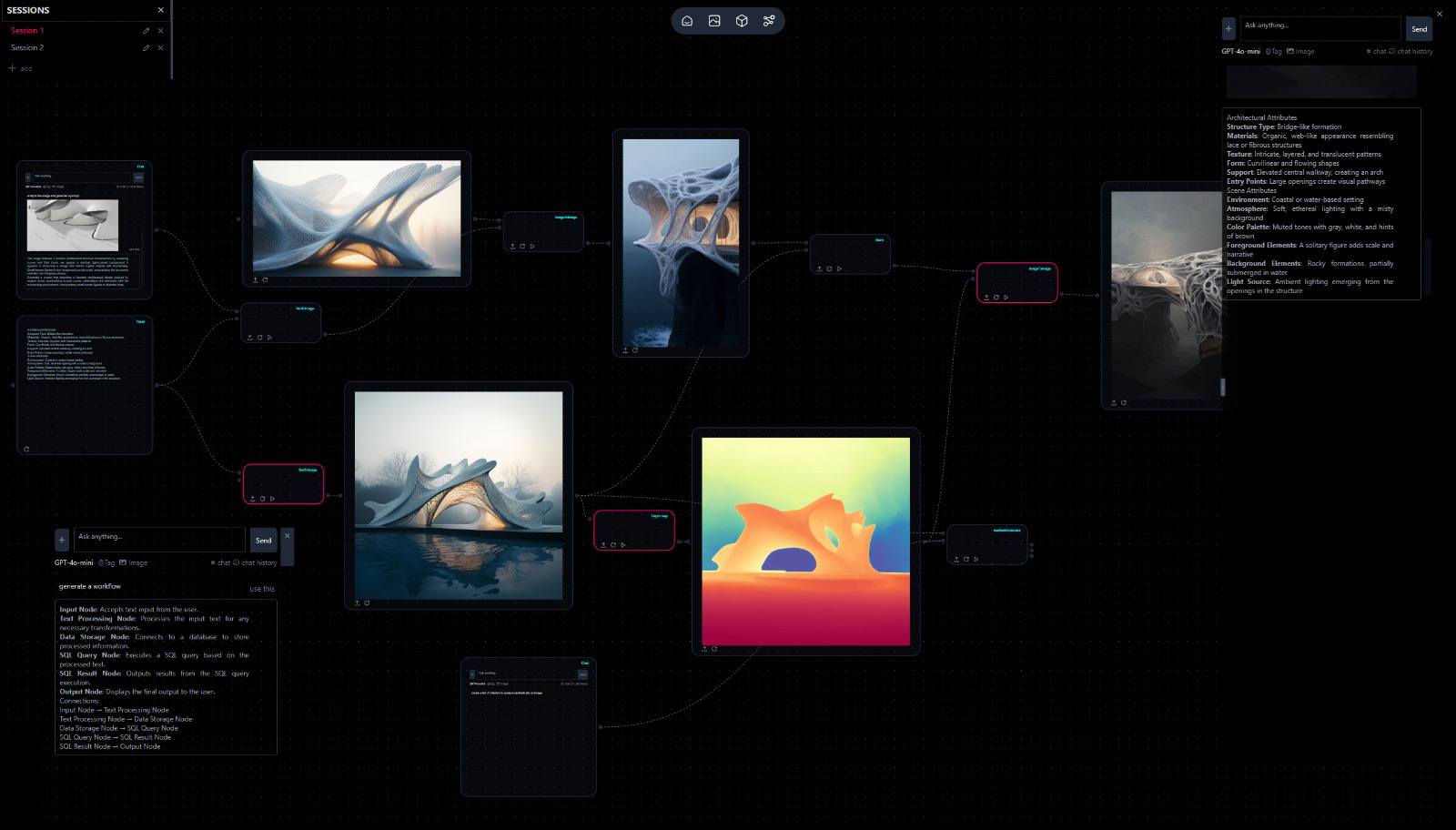
A workflow that only one person can edit is a personal script. Practices need shared graphs - invite someone in, fork a template, and refine the same canvas without emailing screenshots of the node tree.
Today we are introducing VERSUR Collaborate - real-time editing on the workflow canvas. Invite teammates, fork a starting graph, and work the same pipeline together.
Share on the left bar opens workflow or workspace invites with View or Edit roles. Send an email. They open the same workflow - not a copy you have to merge later by hand.
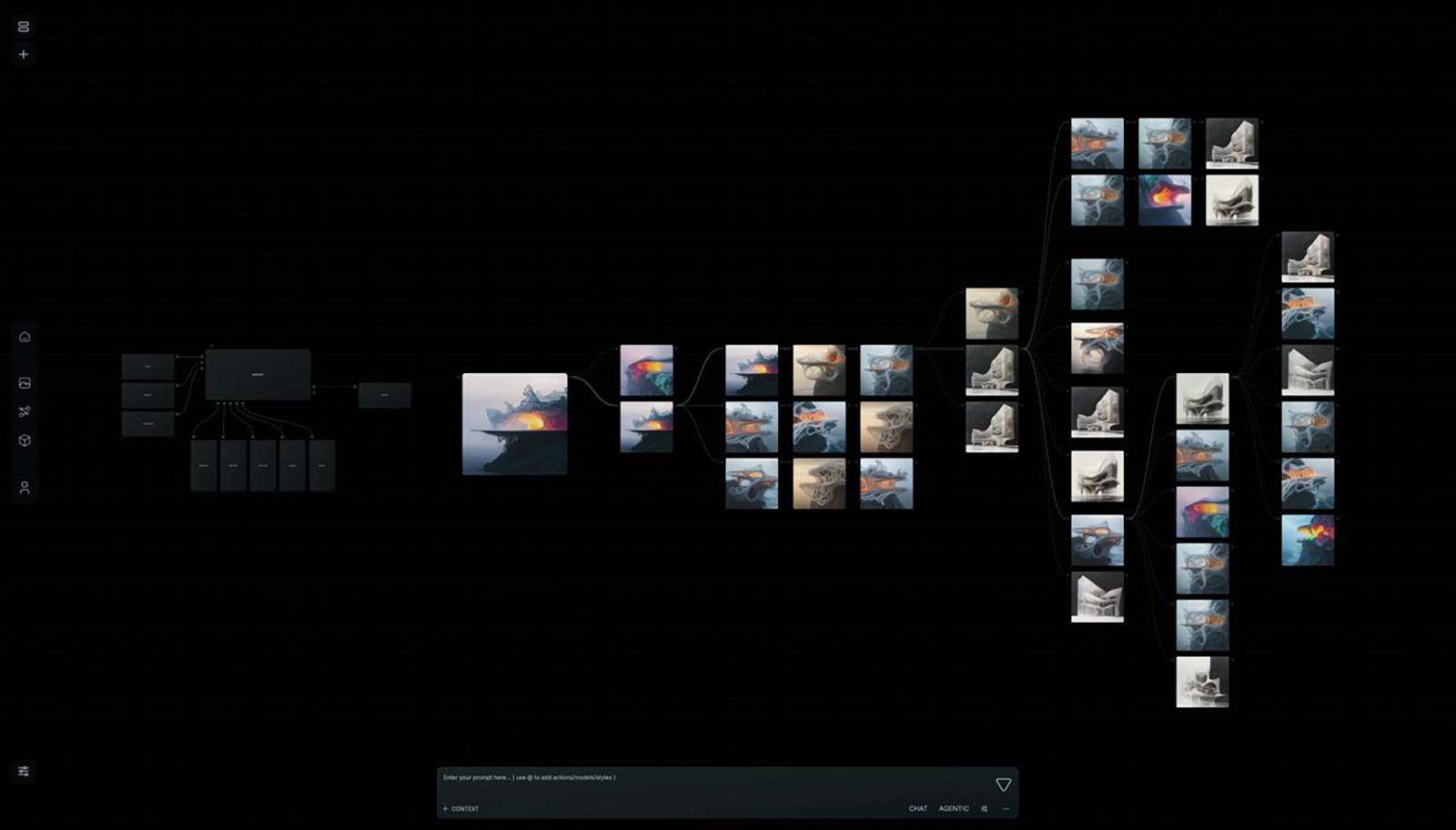
Start from a forked template with branches. Start can route by building type into residential, commercial, or other paths. The shared skeleton stays intact while each person tunes their branch.
Collaboration is not a comment thread next to a frozen screenshot. It is the same VERSUR Workflows canvas - presence, selection, and edits in sync. When the path is right, deploy it to a studio or keep iterating with VERSUR Agent on the shared graph.
VERSUR Collaborate is available in the workspace today. Open Share, invite with View or Edit, and edit the same canvas live.
Brain remembers the practice. Design agents do the studio jobs. Workflows execute the process. Studios publish it. Collaborate is how people stay on the same graph.
Workflows · Studios · VERSUR Agent · Design Agents · Brain